Sign in without the detour
Use Password AutoFill on iPhone and iPad to bring the right login into apps and websites.
Password manager for iPhone, iPad & Mac
Save, find, and fill your logins without turning password management into another job. Secret feels at home on every Apple device you use.

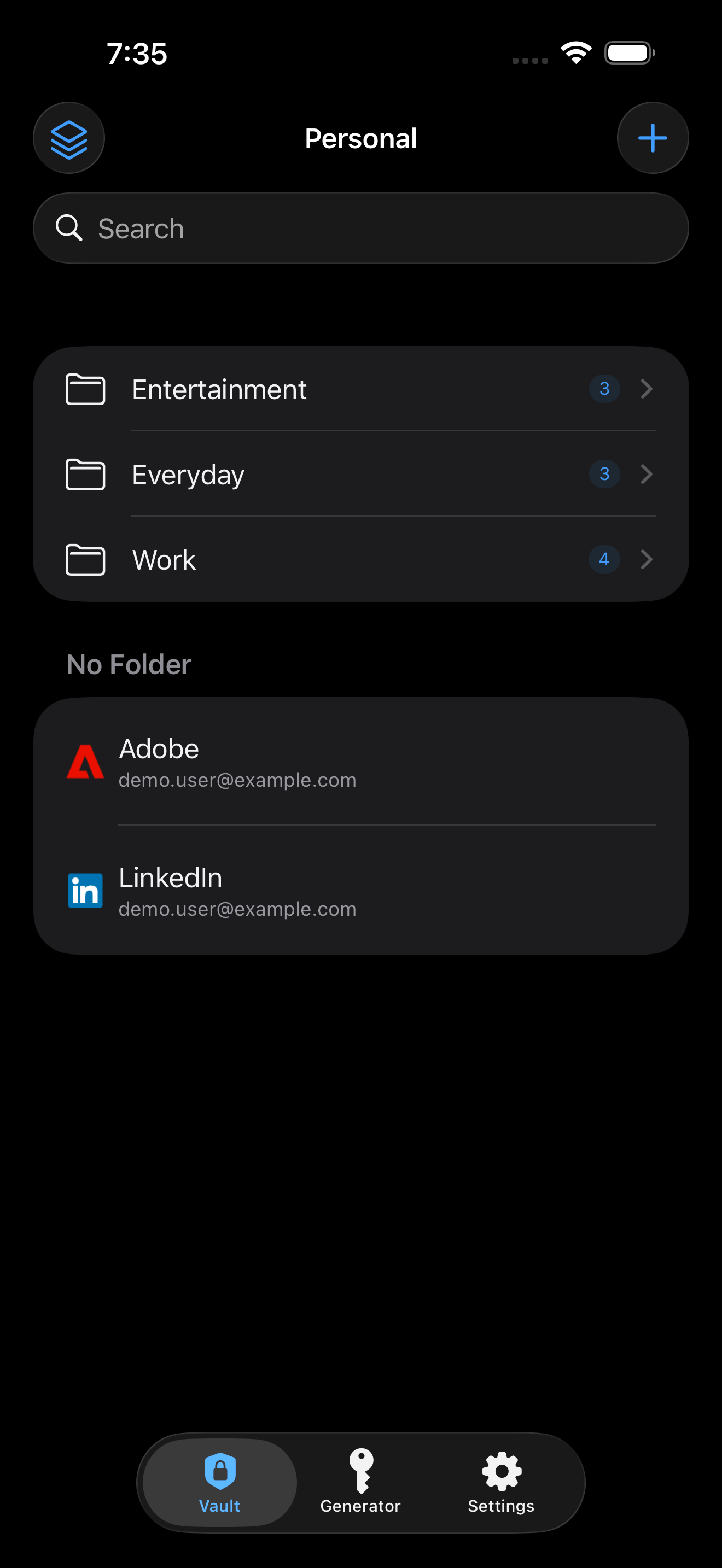
One focused app for your Apple life.
The essentials, thoughtfully done
Fast when you need it, quiet when you don’t. Secret keeps the everyday parts of password management simple.
Use Password AutoFill on iPhone and iPad to bring the right login into apps and websites.
Separate work and personal accounts into vaults, then use folders and search to stay organized.
Generate unique passwords in seconds and save them directly where they belong.
Add custom fields for account details that don’t fit neatly into a username and password.
Familiar on every screen
Use Secret on iPhone, iPad, and Mac with interfaces designed for each device—not a stretched copy of the same screen.
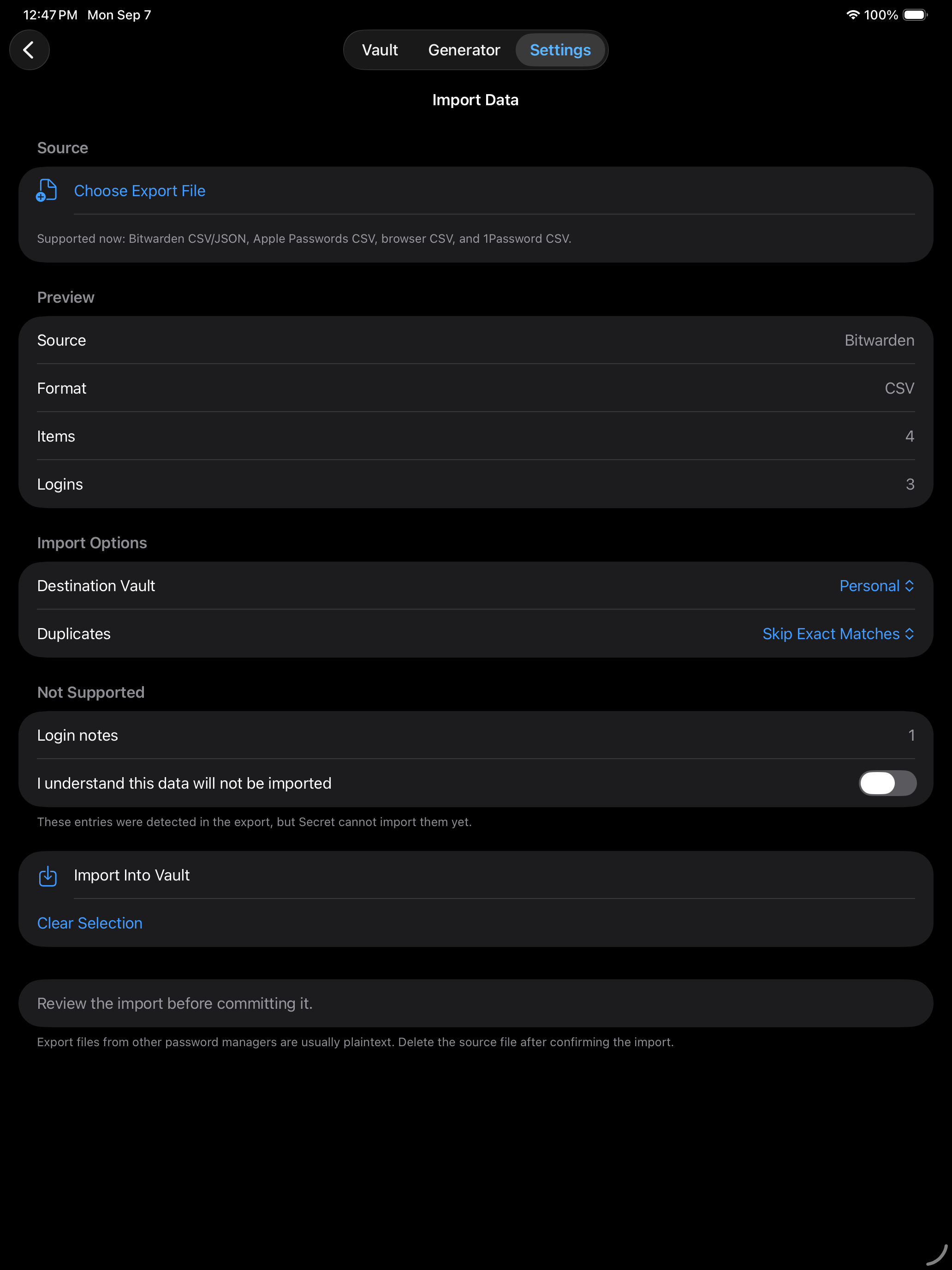
Switch without starting over
Import from popular password managers and browsers, review what Secret found, choose a destination vault, and understand anything that isn’t supported before you continue.
Privacy without a complicated pitch
Your vault works locally. If you choose iCloud sync, it uses your private iCloud account to keep your Apple devices up to date.
Read the privacy policyNo advertising SDKs or behavioral analytics watching how you use your vault.
Keep your data local or turn on iCloud sync when cross-device access matters.
Create a password-protected encrypted backup when you want an independent copy.
Good to know
No. Secret works locally and offline. iCloud sync is optional and can be enabled when you want your vaults on multiple Apple devices.
Yes. Secret supports imports from Bitwarden, Apple Passwords, 1Password, and common browser CSV exports. You can review detected items before importing.
No. Secret does not include advertising SDKs or third-party analytics tools.
Secret is designed for iPhone, iPad, and Mac.
Start with a calmer vault
Secret keeps the things you need close—and everything else out of the way.